Would you like to share your Help Hope Live Campaign Page on Instagram? It’s easy to do—here’s what you need to know.
Last Updated: March 2025
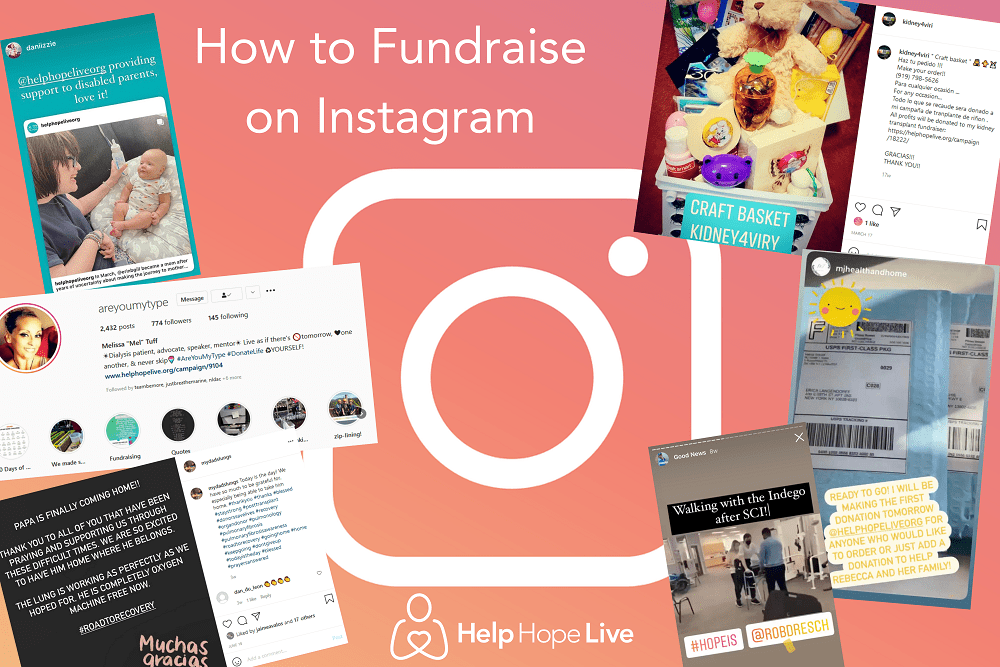
Instagram Basics
Instagram has more than one billion users worldwide, and 63% of Americans check Instagram every day according to Sprout Social.
Four Instagram basics:
It takes a long time to build up a following on Instagram.
This guide is intended for users who are already active on Instagram. If you are starting to use Instagram from scratch, you should work on getting to know the platform and developing a following before you begin to share your campaign.
Instagram is not the best platform for everyone.
We always advise our clients to spend their time on the fundraising efforts that make the biggest impact. Fundraising on Instagram may not be the ideal fit for you if you are learning the platform from scratch, are short on time, or just don’t have a lot of friends and followers on Instagram who will be willing to donate and share.
You cannot share live links in Instagram posts – but you can add them to Stories!
Regular Instagram posts include photos with the option to include a caption. Your Campaign Page link will not be clickable if you share it within an Instagram post, as the platform does not recognize links as URLs in posts
However, Instagram allows you to share Stories that contain either a pre-published post or new content. And you CAN add a URL/link to a Story! Details below.
You can tag us in your posts!
Tag Help Hope Live in your posts and Stories so we can like, comment, and share: @helphopeliveorg
Add Your Campaign Page Link to Your Bio
Here’s how to add your Campaign Page link to your Instagram bio.
- Visit your Campaign Page.
- Copy the URL of your Campaign Page (it should look like this: https://helphopelive.org/campaign/5734/).
- Visit your own profile on the Instagram app and choose Edit Profile.
- Add your Campaign Page link to your Bio.
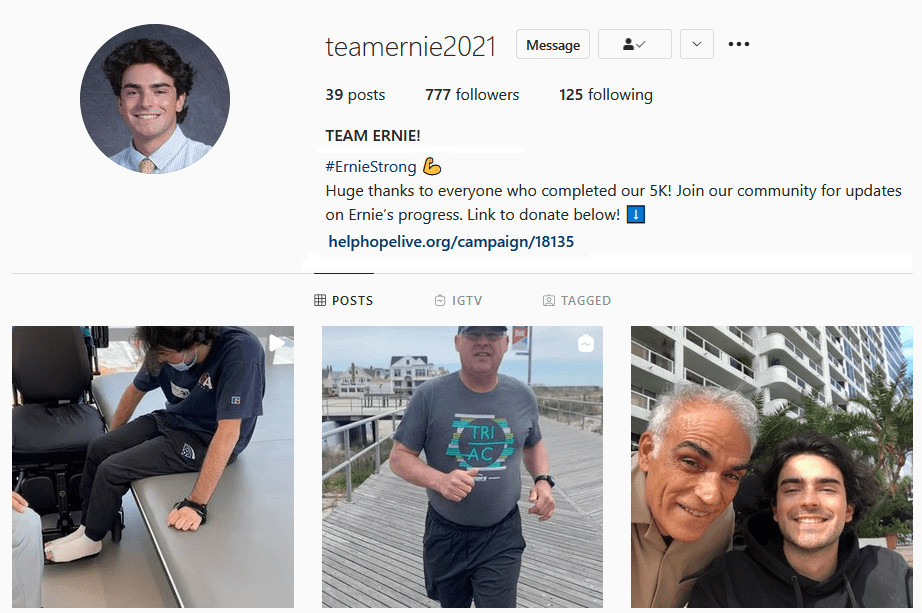
ADD YOUR CAMPAIGN PAGE LINK TO YOUR BIO
Create Your First Fundraising Post
Choose a photo to share and begin writing your first fundraising post.
Here’s what you should include in your post:
-A strong call-to-action. For instance, JEREMY NEEDS HELP!
-A brief explanation of the medical diagnosis and need. For example, try starting with “As you may know, Jeremy has been living with…”
-A transition to the fundraising info with a hopeful note. For example, THERE IS HOPE! We have started a fundraising campaign with @helphopeliveorg…
-Tell users exactly how they can donate. For example: Click the link in my bio to donate.
-Add appropriate hashtags (tips below).
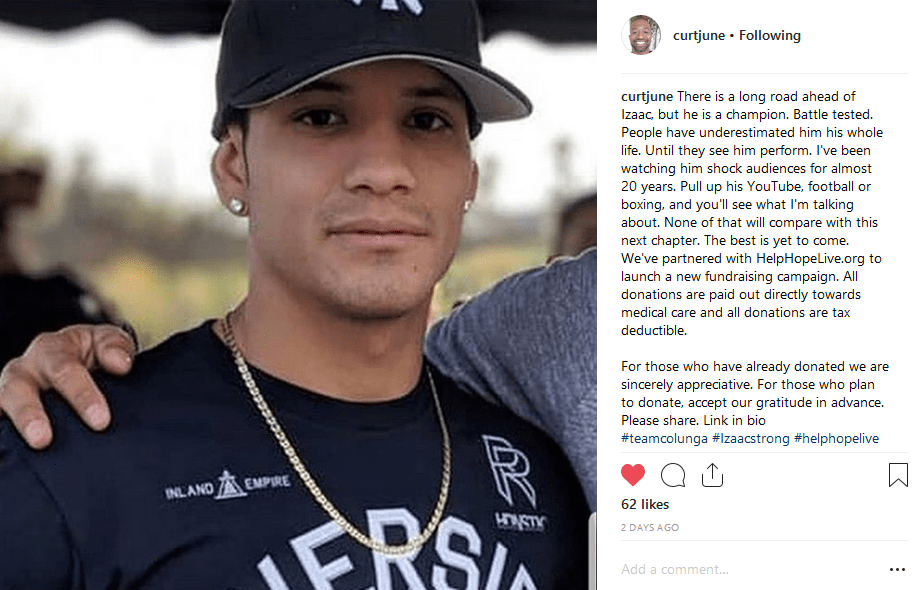
SHARE YOUR CAMPAIGN ON INSTAGRAM
Share Stories and Add a Campaign Page Link
Share posts as Stories, and create your own Stories. Add a link.
Every time you post something on Instagram, you’ll have the option to re-post it as an Instagram Story. You can also create new content to post as a Story.
You can add a link to your Campaign Page to any Story. Here’s how:
- Visit your Campaign Page.
- Copy the URL of your Campaign Page (it should look like this: https://helphopelive.org/campaign/5734/).
- Start creating your Story on Instagram.
- While editing your Story, click the square sticker icon at the upper right.
- Select LINK.
- Add your Campaign Page link in the box provided for URLs.
- Click Customize Sticker Text if you’d like to add text for the link button such as Click Here or Donate Now!
- Finish up your Story and share it!
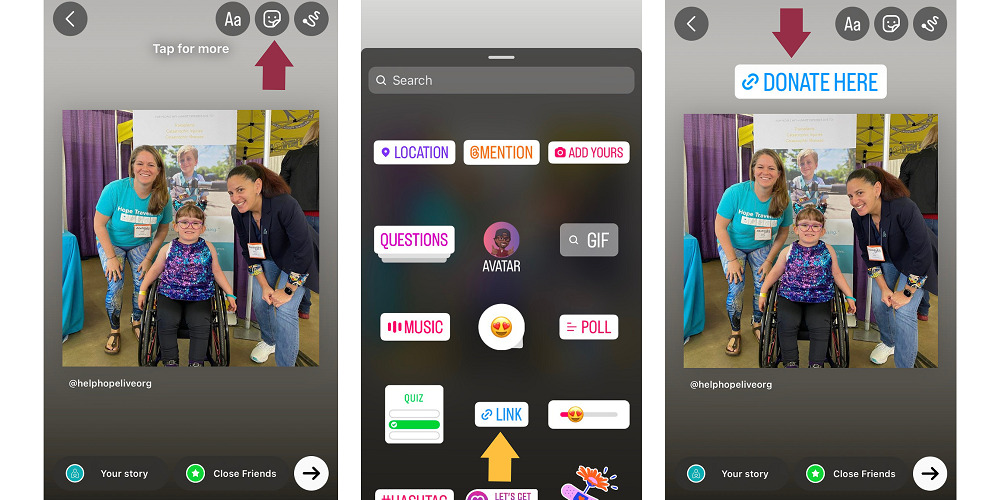
A few Story reminders…
While regular Instagram posts will stay on your Instagram profile unless you delete them, Stories are automatically deleted over time. They’re intended to be temporary posts.
However, keep in mind that you can also cultivate a selection of Story Highlights on your Instagram profile. Those Stories won’t disappear after a set amount of time, so Highlights are a great way to keep your fundraising information and Campaign Page link in an easy-to-find location for new followers to discover.
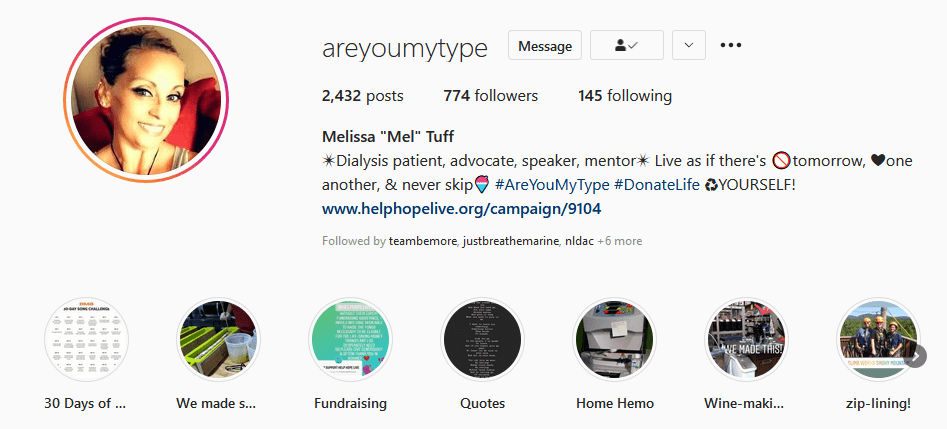
HIGHLIGHT YOUR FUNDRAISING STORIES
Other Ways to Add a Link
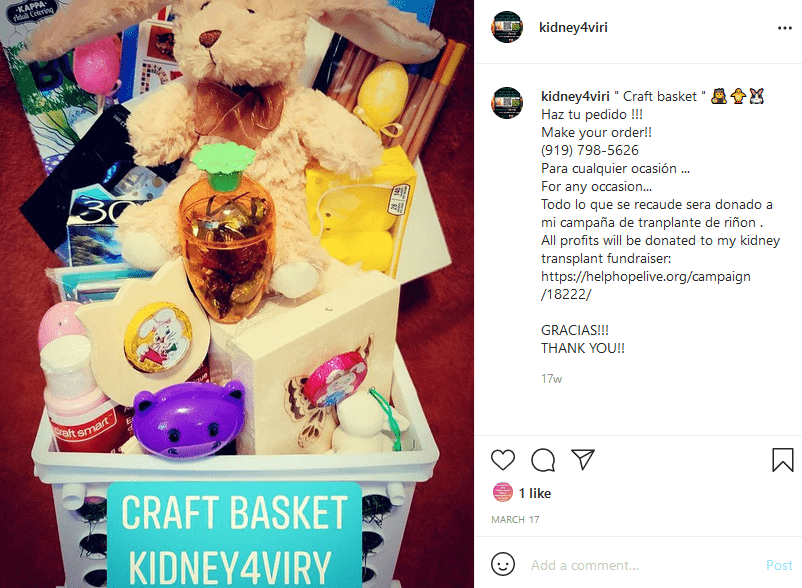
ADD A NON-CLICKABLE LINK TO YOUR POST
Here are two other options for adding your Campaign Page info to regular Instagram posts:
- Share the entire Campaign Page link in your post and tell followers to copy/paste it into their address bar to donate.
- Tell followers to visit helphopelive.org and search for Client Name in the Find a Campaign box to donate.
Choose and Add Hashtags
Instagram allows users to add hashtags to their posts to help others find new and relevant content. Here are a few #tips:
- Brainstorm a few words or phrases that help describe your post (for instance: #livertransplant #lifewithMS #paralysis #fundraising)
- Consider adding a relevant Help Hope Live hashtag: #helphopelive #WhyWeFundraise #hopeis #forcedtofundraise
- Keep an eye out for popular hashtags, which may revolve around certain topics (such as #disabilitypridemonth) or day-to-day trends (such as #fridayfeeling or #mondaymotivation)
- Add between one and 10 hashtags to every post
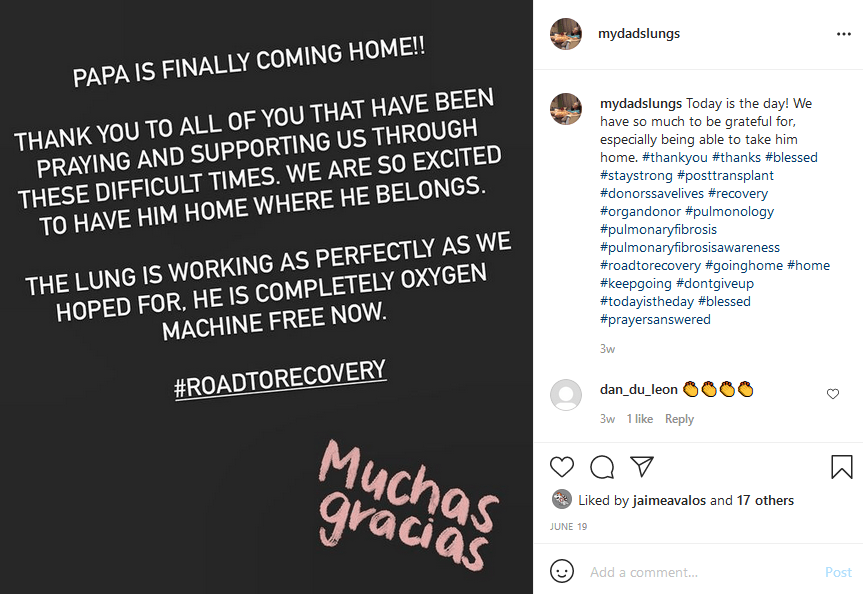
TRY ADDING HASHTAGS
How Often Should I Post on Instagram?
If you’re just starting out on Instagram: try posting on Instagram at least once per day. Share a fundraising update once every four days or whenever there is a significant update (such as reaching a goal, acquiring a service or item thanks to donations, a new fundraiser, etc.)
If you already use Instagram: keep sharing at your current rate but try adding a fundraising post or update at least once per day.
4 Ways to Make Your Posts More Effective
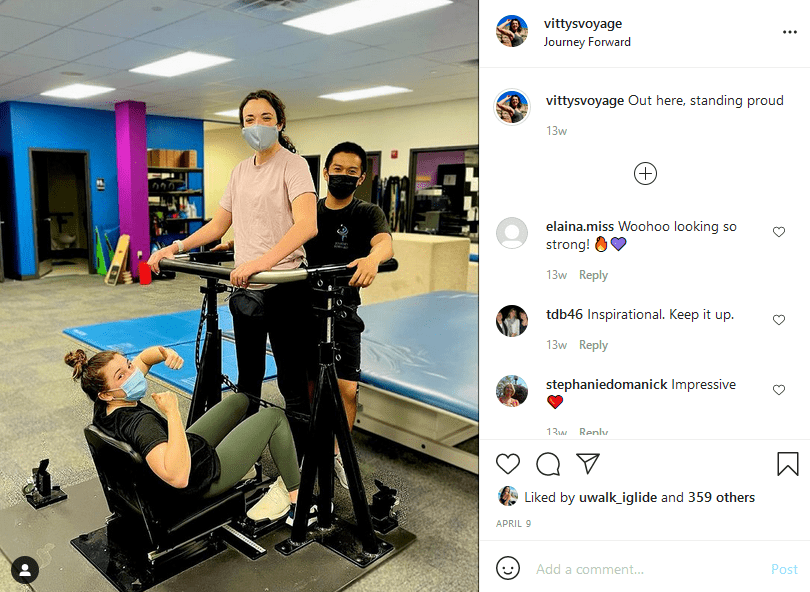
BUILD YOUR FOLLOWING AND POST WITH VARIETY
Tip 1: Choose great photos!
While you may have a heartfelt description of your fundraising cause, the first thing other users will see is the photo. Make sure you’re sharing photos that are clear, high quality, and interesting.
Tip 2: Expand your network!
As with every other social media platform, your posts are only as effective as your followers list.
You should spend time every day (or as often as you can) cultivating relationships with other users so that you can build up a strong following on Instagram.
Keep in mind that building followers isn’t just about following other users: you should actively interact with other users’ content on Instagram and post comments to show them that you support them. They will return the favor by connecting with your content and sharing it, too.
Tip 3: Post a variety of content!
Don’t just share fundraising posts over and over again. Cultivate an interesting and dynamic Instagram profile that includes many different types of content.
Consider posting some photos and videos that show your medical need or health progress. From selfies to physical therapy videos, the content is up to you–just make sure everything you post is clear and high quality or your followers will lose interest.
Tip 4: Use Stories – A Lot!
Stories are an engaging way to give followers a quick look at what’s on your mind or what’s happening in your life at one moment in time. Unlike regular Instagram posts, Stories only stay visible for a short while. They are your chance to give an at-a-glance update about your day-to-day—including your medical journey and your fundraising efforts!
Since Stories do allow links, as we explained above, they’re a great opportunity to give followers a quick-and-easy way to go right to your Campaign Page for details about your story or donations.
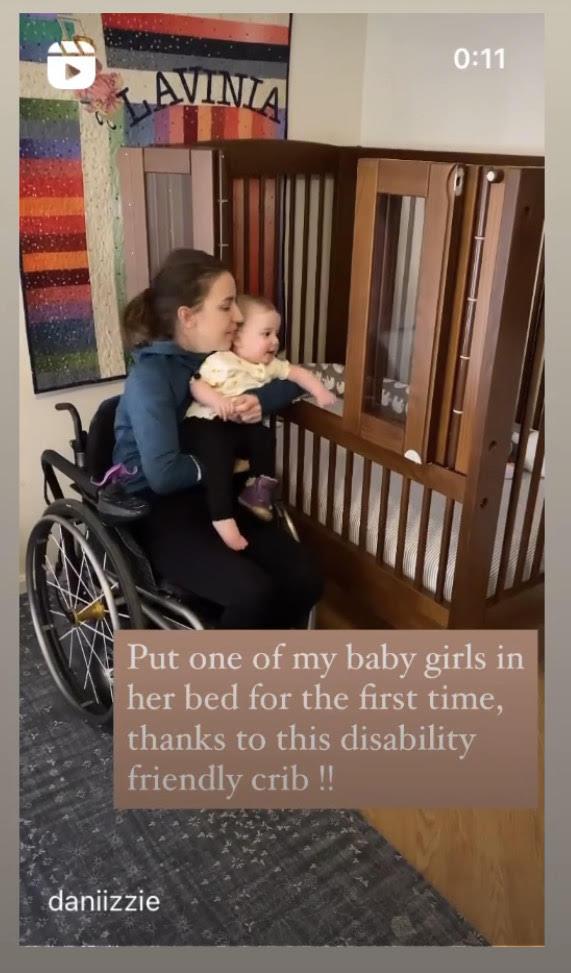
USE STORIES FOR ENGAGEMENT
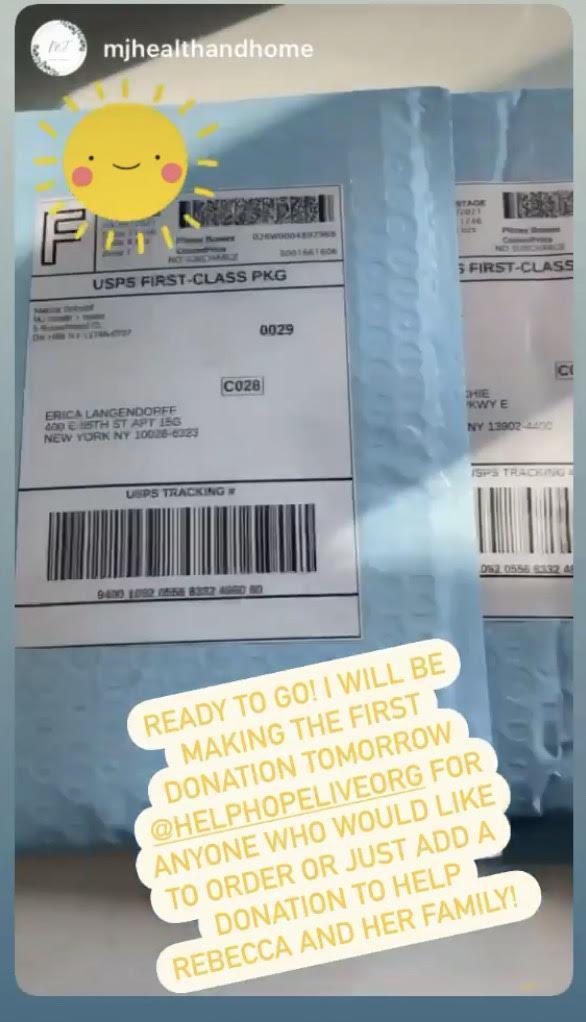
SHARE FUNDRAISING STORIES AND MORE
Don’t forget to tag Help Hope Live in your Story so we can share it:
- Tap the sticker icon
- Tap @MENTION
- Type in helphopeliveorg
- Tap Done
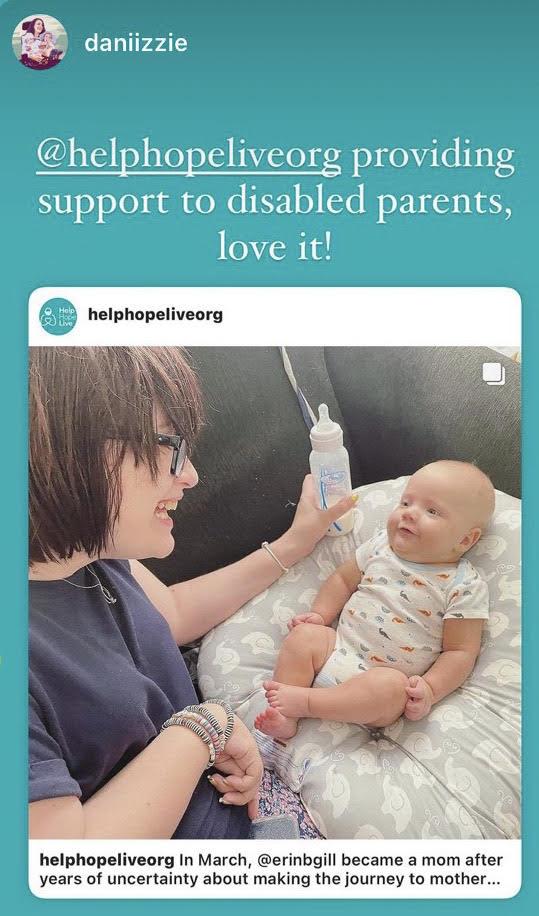
TAG US IN STORIES
Like, Share, Follow, and Fundraise!
Instagram can be a highly effective tool for spreading the word about your fundraising efforts and helping followers to see the world through your eyes. Try sharing a post about your campaign today, and reach out to us on Instagram if you’d like a few additional tips!