GivingTuesday takes place Tuesday, December 1, 2026, and is Help Hope Live’s largest annual giving day. From midnight ET December 1 through 3 a.m. ET December 2, Help Hope Live will cover credit card fees for online donations made in honor of a client.
The toolkit provides guidance for preparing campaigns, requesting customized materials by November 2, updating campaign pages, and promoting GivingTuesday through email and social media. It includes sample messages, posting ideas, and outreach recommendations.
GivingTuesday is a global annual giving day. Help Hope Live campaigns get an exclusive fundraising benefit: during GivingTuesday, Help Hope Live covers the credit card fee for donations made in honor of a client at helphopelive.org/.
GivingTuesday is Tuesday, December 1, 2026!
In this toolkit, learn how we can help you make the most of this annual fundraising opportunity.
What Is GivingTuesday?
GivingTuesday is an annual international day of giving, designed to encourage communities to donate to nonprofits like Help Hope Live and get involved in causes that matter to them.
GivingTuesday is Help Hope Live’s single largest day of giving of the year. On GivingTuesday, we typically receive four times more donations than on any other day!
This toolkit will help you to promote your fundraising plans, share customized materials, and plan community outreach to celebrate GivingTuesday.
No Credit Card Fee for Online Donations
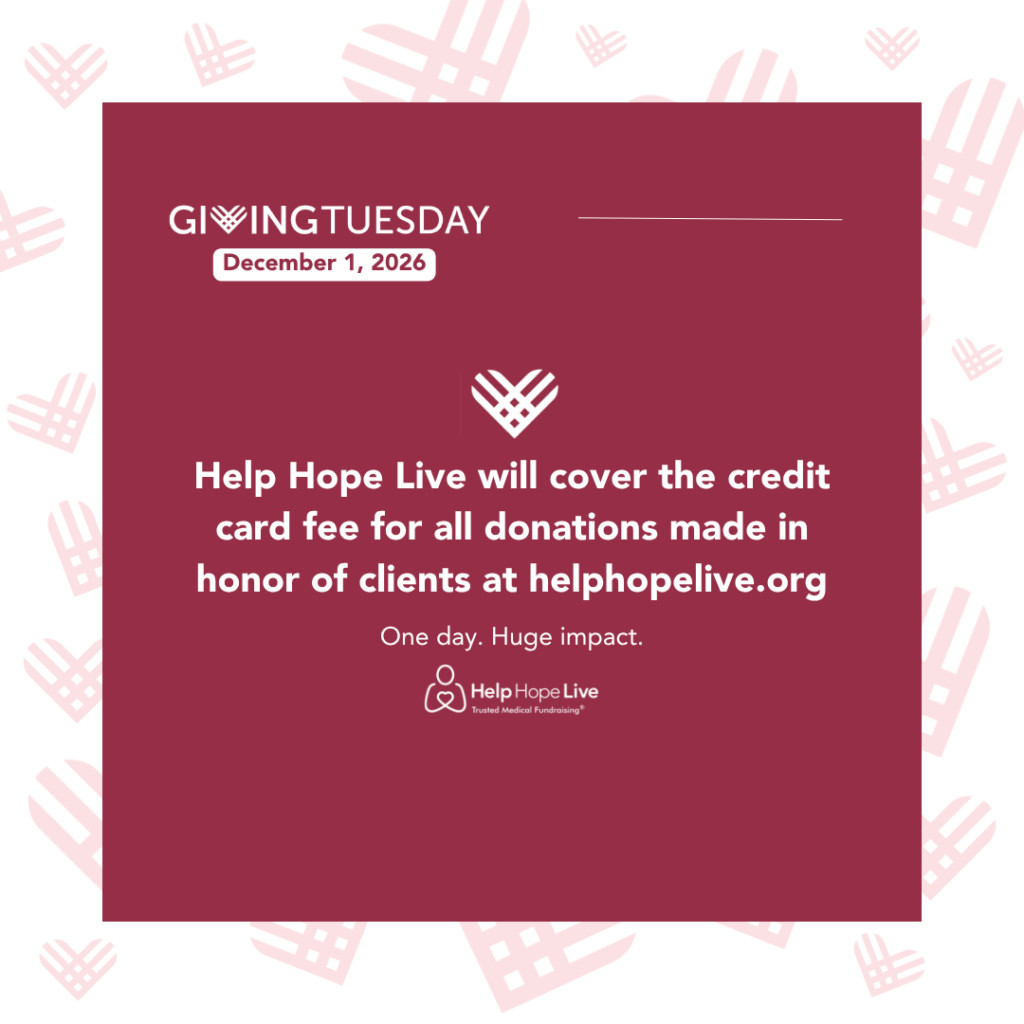
From midnight ET on Tuesday, December 1 to 3 a.m. ET on Wednesday, December 2, Help Hope Live will cover the credit card fee for all donations made in honor of a Help Hope Live client at helphopelive.org/.
Share this info with your community so they know they can make a bigger impact than ever! We’ll help you come up with social media posts, emails, and more in this toolkit.
Request Custom Materials for GivingTuesday
The deadline to request custom materials is November 2, 2026. Contact your Client Services Coordinator to request yours!
Your Coordinator’s email and extension is in your Dashboard – log in here.
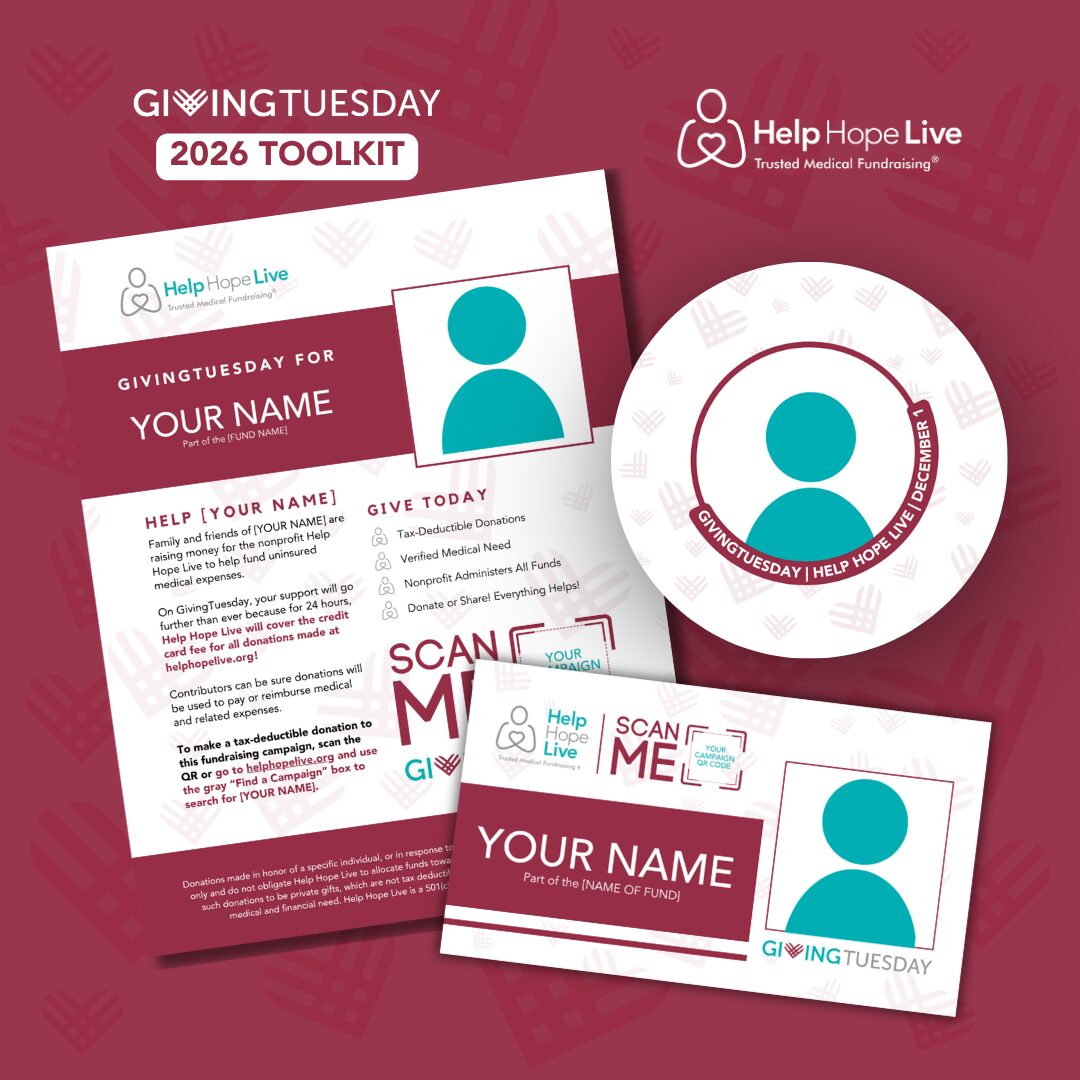
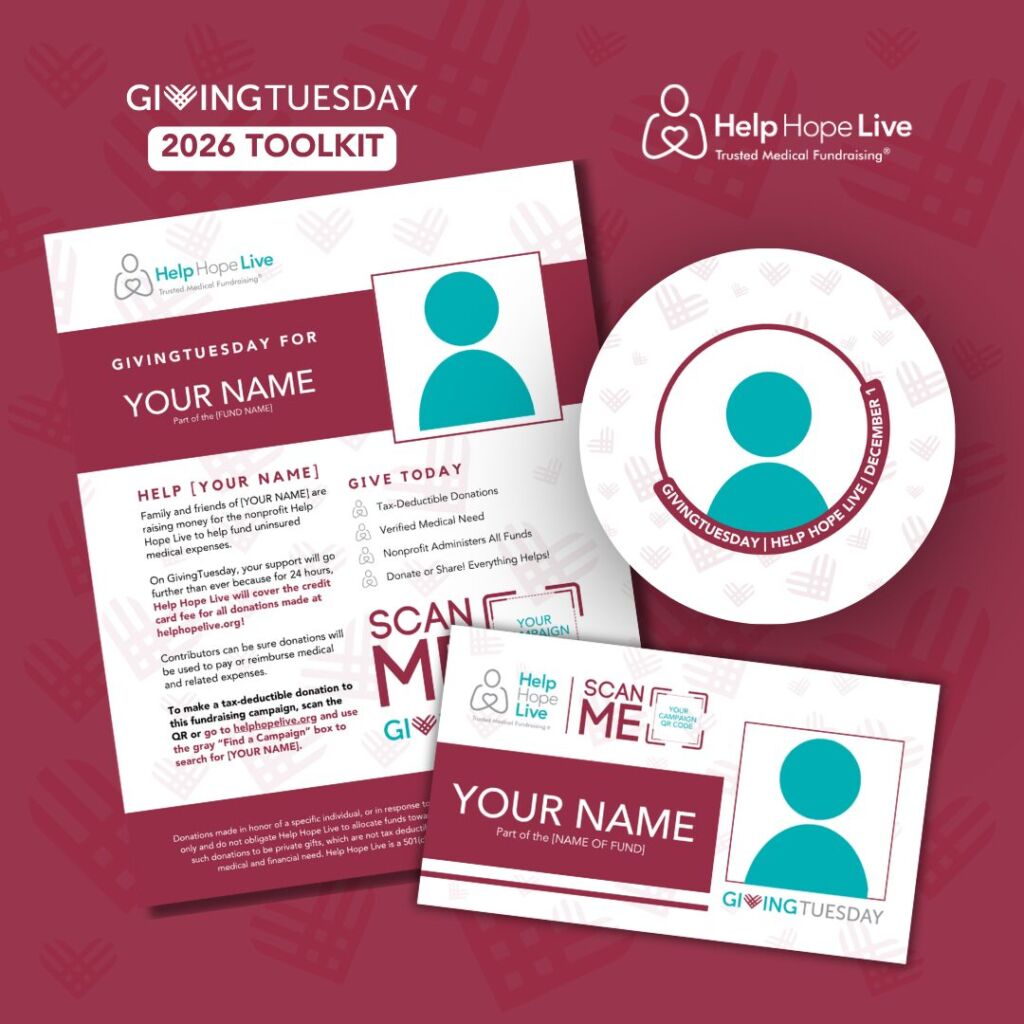
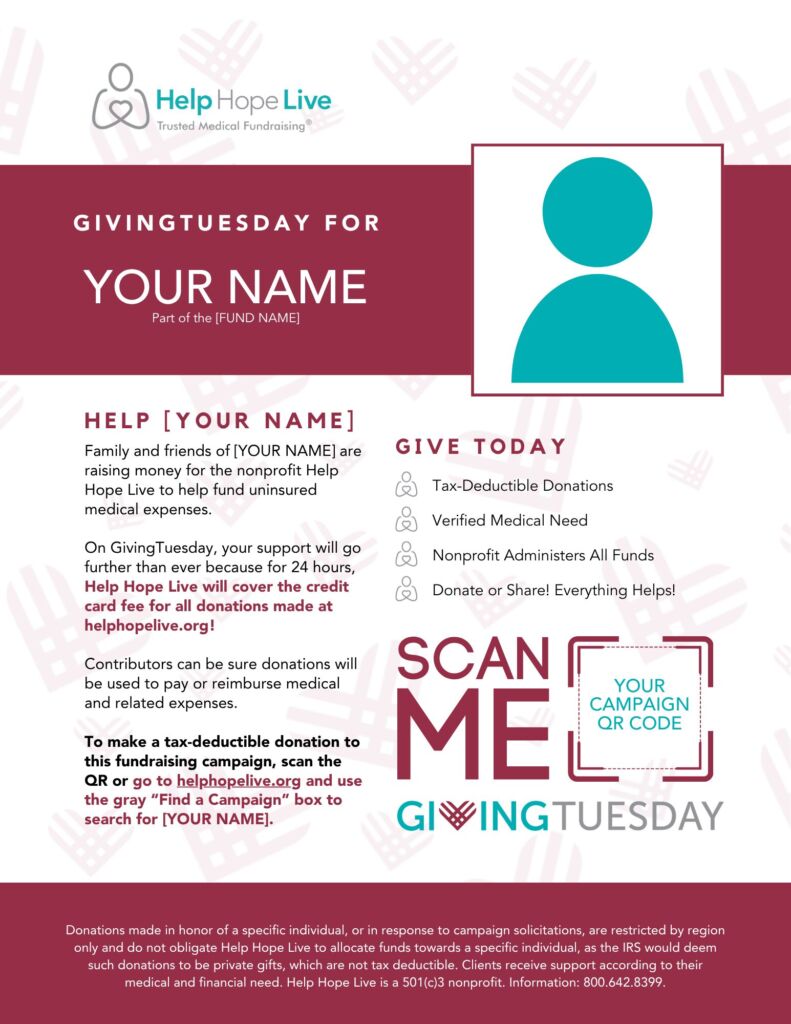
We’ll help you spread the word with customized materials, including a flyer and campaign picture (great for social media profiles) like the ones below.
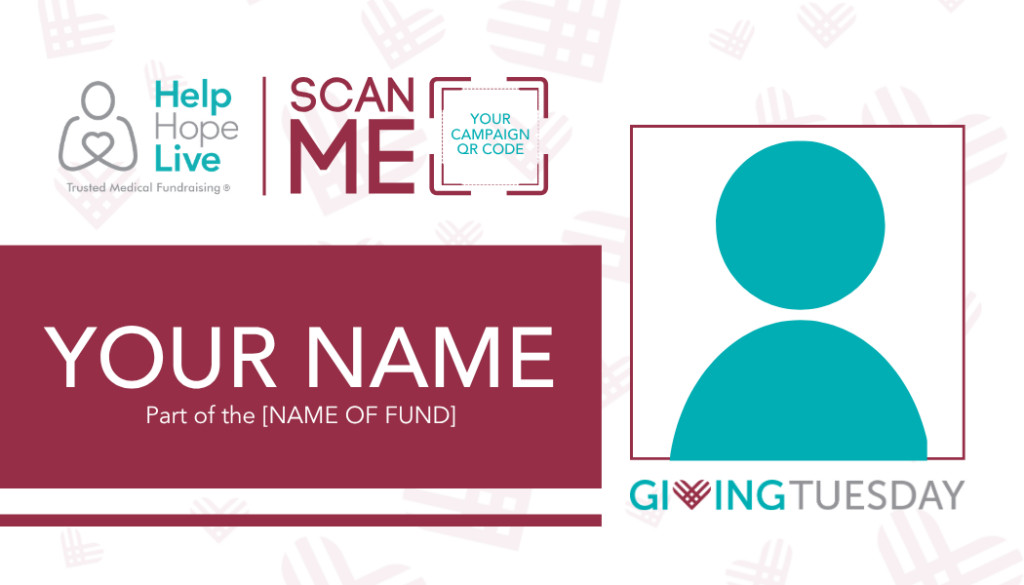
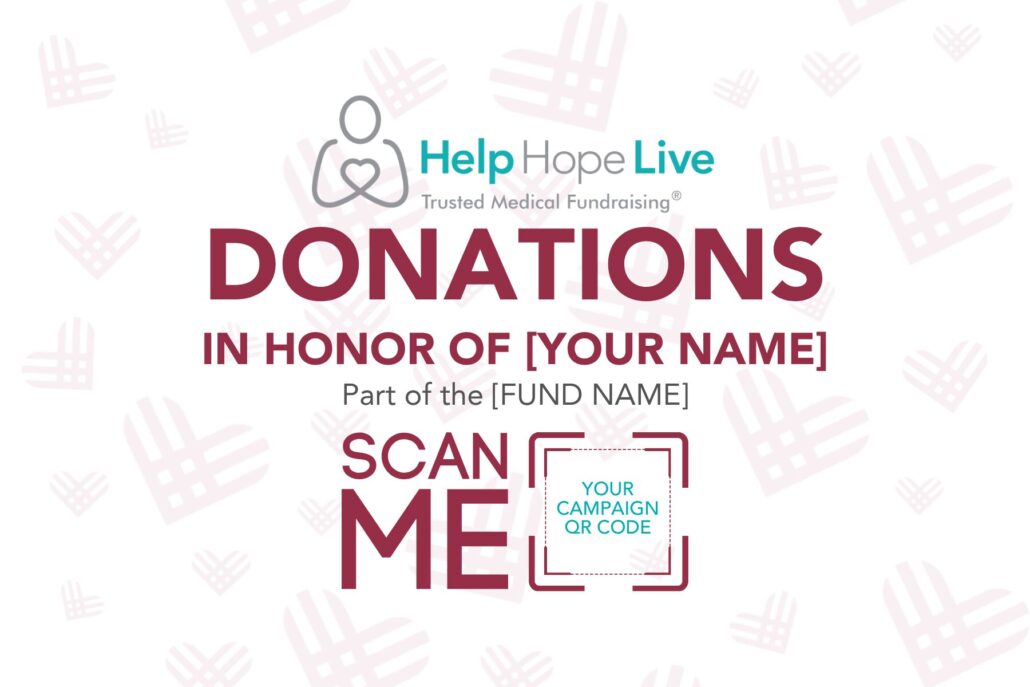
Set a reminder to change back your profile pictures on December 2 when GivingTuesday ends.
Don’t want to use a real campaign picture? You can ask your Coordinator to provide alternate materials that feature the Help Hope Live logo instead:
Want Print Materials?
Your Coordinator will provide you with digital materials only for GivingTuesday. You can either print your own materials at home or ask a local print shop to help you get professionally printed materials.
Two things to keep in mind:
- Print shops may offer a nonprofit discount since you are working with Help Hope Live!
- If your Help Hope Live campaign is Disbursable (medically verified), you can request reimbursement for fundraising-related printing costs. Ask your Coordinator how.
Sharing GivingTuesday
Your Coordinator is here to help you figure out the best way to take advantage of GivingTuesday as a fundraising tool.
Here are the three things we recommend doing first to kickstart your plans:
- Request your customized materials from your Coordinator
- Once you have your materials, share on social media (tips below)
- Email your friends and family about this day of giving and how they can help (tips below)
Before You Share: Make Updates
We recommend updating your Campaign Page to help ensure new supporters and returning supporters understand who you are and why you need to fundraise.
If you are just getting started with Help Hope Live or need a refresher on how to make page updates, use our Desktop Guide or Mobile Guide for step-by-step help.
Here’s how to update your Campaign Page to prepare for an annual giving day:
1. Read and Refresh Your Campaign Story.
Have there been significant updates to your story since you wrote it? Make updates to the story, and remember to make your story appropriate for both new and returning visitors to your page.
Your story should provide all the information someone needs to get to know you and your need to fundraise.
Use our story-writing guide here. Ask your Coordinator to review your new Campaign Story if you’d like feedback!
2. Update Your Campaign Picture and Add New Photos!
Photos are a great way to show your supporters how your life has changed since they last stopped by your Campaign Page.
You can use the campaign picture we provide to you to update your Campaign Page.
Use our guide to choosing photos to select which photos to share and learn how to create impactful photo galleries on your Campaign Page.
3. Post a Campaign Update.
Campaign Pages include a section for adding updates where you can share what’s new.
Updates are the best way for returning supporters to understand what’s changed since the last time they visited your Campaign Page – and why you still have a need to fundraise.
Should I also share updates on social media?
Yes: you can share the same updates on social media, via email, or via text if those are the places where you typically communicate with your community.
Start by adding an update to your Campaign Page. Then you can decide where else you want to share an update.
You can also create a social media post, email, or text that lets supporters know there’s a new update on your Campaign Page. That way, you’re driving their attention to the Campaign Page to read more and potentially make a donation in your honor.
You may want to share a preview of the update in your social media post and then include a link to the Campaign Page for more. For example:
“I’ve just updated my Campaign Page! Check out my recap of our winter fundraiser, next steps for my transplant journey, and a new photo of me and the kids at: [add your Campaign Page link]”
Sharing GivingTuesday via Email
Not everyone uses social media or checks for updates regularly. That’s why email is a great additional pathway to let your community know about GivingTuesday.
Plan to send out one “Save the Date” email and a few other emails leading up to December 1.
Sample GivingTuesday Email:
Hi everyone!
I am reaching out to share my thanks and give you an update on how you can get involved with a big day of giving on Tuesday, December 1, 2026.
December 1 is GivingTuesday, the largest charity giving day of the year! On that day, the nonprofit Help Hope Live will cover the credit card fee for donations made in Edward’s honor.
I want to really, really thank you for the role you’ve already played in this fundraising campaign.
Thanks to you, we’ve been able to cover so many major medical costs over the past few months, from an emergency ambulance ride to home modifications for Edward’s wheelchair.
We still need a lot of help, and it takes a village. That’s why we want to thank you in advance for adding December 1 to your calendar and making a donation on that day or helping us to spread the word.
To make a donation, go to: [add Campaign Page link].
Your donation is tax deductible and will go a long way to improving Edward’s quality of life.
If now is not a good time to donate but you’d like to help us plan and share this fundraising opportunity, we’d love your help! Reply to this email and I can tell you how to share.
THANK YOU for all you’ve done to put hope and help into our lives.
Love,
Edward, Maricella, and the Testa family
Sharing GivingTuesday on Social Media
If you have an active online community, make social media part of your strategy! Here’s a simple calendar for social sharing:
- Now through December 1, share posts and reminders to help explain GivingTuesday. Highlight why donating on December 1 will make an extra-big impact to help your community save the date.
- To take your posts even further, in the weeks leading up to December 1, share how donations will (and already have) make a positive impact on your life.
- On December 1, post updates throughout the day as you see fundraising progress or support come in from your community. Remember to share gratitude and thank-yous!
- Don’t forget to update your Campaign Page with some of these updates as well!
Sample Social Media Post for GivingTuesday
One day…huge impact. December 1 is GivingTuesday, the biggest giving day of the year for the medical fundraising nonprofit Help Hope Live.
The whole world is coming together to support charitable causes. You can make a difference. You can be my help and hope for a brighter, healthier tomorrow!
Today only, Help Hope Live will cover the credit card fee when you make a tax-deductible donation in my honor.
#helphopelive #hopeinaction #donations #medicalfundraising #dayofgiving
[Add your Campaign Page link and flyer or campaign picture to the post.]
Sample Social Media Post for TikTok & Instagram
You can make tweaks to your post content for each platform. For example, since Instagram does not support clickable links in posts, you can mention how followers can find you on the Help Hope Live website:
One day…huge impact. December 1 is GivingTuesday, the biggest giving day of the year for the medical fundraising nonprofit Help Hope Live.
The whole world is coming together to support charitable causes. You can make a difference. You can be my help and hope for a brighter, healthier tomorrow!
Today only, Help Hope Live will cover the credit card fee when you make a tax-deductible donation in my honor.
Find my Campaign Page link in my Instagram bio or visit helphopelive.org/ and use the gray Find a Campaign box to search for my name (Edward Testa) to give.
#helphopelive #hopeinaction #donations #medicalfundraising #dayofgiving
Social Media Tips for GivingTuesday
Here are five tips to keep in mind as you create your social media strategy for this annual day of giving.
Tip 1: Post 1-2 times per week OR 50% of the time you post.
Give your online community as much time as possible to save the date! Share info 1-2 times per week on your social media accounts leading up to the big day.
If you normally post more or less frequently than that on social, aim for no more than 50% of your posts to be about this day of giving.
Tip 2: Make every post a little different.
Don’t re-use identical content on social media. Instead, come up with some fresh ways to share reminders!
You can post about different aspects of your story, highlight the impact of donations so far, and share different formats like videos, graphics, and photos. See our ideas for posts in Tip 5!
If you don’t have something to share, skip a week. Quality is more important than quantity in your social media strategy.
Tip 3: Use relevant hashtags to reach more people.
Hashtags are a way to categorize your posts to make them easier to find on social. Adding relevant hashtags is a way to ensure your content reaches some new people beyond your own community.
Especially when it comes to sharing video content, choosing the right hashtags can expand the reach of your posts about a day of giving and your fundraising campaign.
Choose five relevant hashtags to add to your posts. For example, #dayofgiving #helphopelive #donate #medicalfundraising #transplant
Only use relevant hashtags—otherwise, the new people who see your posts may not be interested in the content, which doesn’t help your social engagement.
Tip 4: Focus on platforms you already use.
You don’t have to start a new social media account to share this giving day. Commit to posting regularly on the social media platforms you already use.
Starting a new social media account takes a lot of time and effort. You’re much more likely to see results when you promote a day of giving on your existing and active social media accounts.
Don’t forget to engage with other people! No one enjoys a one-way conversation. Show your social community you care about what matters to them, too.
You can get more in-depth tips from us for each platform you use. Find our TikTok guide here, our Instagram guide here, our Facebook guide here, and our Twitter X guide here.
Tip 5: Try a few of our creative ideas.
It can be hard to come up with creative social media ideas on your own, but we have some ideas to get you started:
- Film a short Save the Date video announcement sharing your excitement about this day of giving and a few details about why this day is special
- Share three things you’ve been able to do thanks to donations to Help Hope Live in your honor (or other kinds of community support and encouragement!)
- Explain how fundraising will help you get closer to a specific goal you’ve set for yourself
- Reflect on what the word ‘hope’ means to you
- Share behind-the-scenes style posts showing your preparations for an upcoming medical appointment, a fundraiser you are planning, or a special occasion
- Kick off a day-in-my-life series of short videos (and how fundraising impacts your days!)
- Create a photo post introducing and thanking a few of the team members who help you fundraise
Make It a Day “Tue” Remember!
Every year, we are blown away by the time and effort that our client communities put into annual giving days like Hope in Action and GivingTuesday.
We hope you know that as you plan, brainstorm, engage, and share, our team is always behind you. We are always thinking of you, rooting for you, and looking for ways to make fundraising easier and more effective so you can get what you need to heal, live, and thrive with the support of your community.
That hope is why we write guides like this one and extend our one-on-one fundraising help to every campaign. If you have ideas for how we can improve our fundraising support and resources, reach out to us.
What to Read Next
- Encouragement from our Ambassadors to help you stay motivated
- Refreshers on how to use your Campaign Editor and Dashboard
- Tips for writing or updating your story
- Our guide to how to choose a campaign picture and gallery photos
- Our full set of social media sharing guides
- Learn how to create videos for fundraising