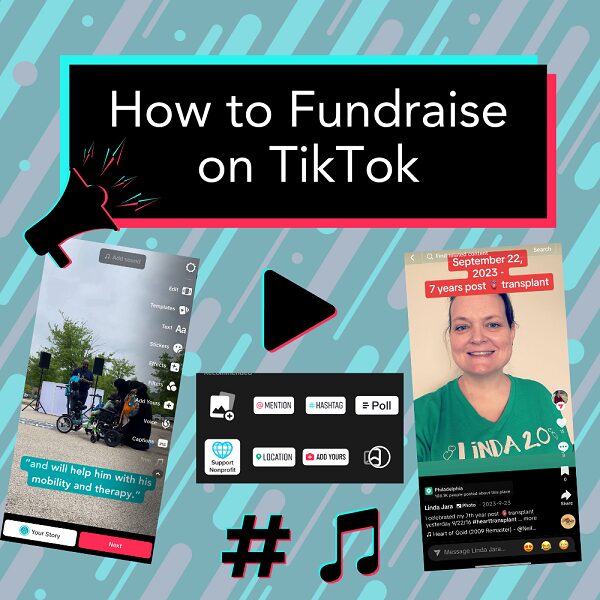
Sharing your Help Hope Live campaign on TikTok is a great way to use one of the world’s most popular social media platforms for medical fundraising.
Learn about TikTok’s popularity, how to share your Help Hope Live campaign on TikTok, how to improve your TikTok videos, and more in this guide.
Last Updated: March 2025
How Popular Is TikTok?
According to a 2024 article by Hootsuite:
TikTok content reached 1.92 billion people in 2023.
That’s a 16% increase from 2022.
TikTok is the most downloaded app in 40 countries.
As TikTok reported in 2023:
90% of TikTok users say “TikTok makes them happy and is never boring.”
These statistics help to show that TikTok is not just a popular platform but also a platform where users love to spend time and find inspiration and excitement.
Your Help Hope Live campaign can be a part of that excitement.

TikTok Basics
If you’re planning to use TikTok for medical fundraising, here are a few key things you should know about the platform.
TikTok isn’t for everyone.
As is the case for all social media platforms, TikTok isn’t the perfect fit for everyone.
Before you decide to use TikTok as a fundraising tool, try out the platform and see if you enjoy interacting with it. If you like using it, use this guide to learn tips and tricks to use TikTok as part of your fundraising strategy.
Not a TikTok fan? Check out our guides for fundraising on Facebook and fundraising on Instagram.
TikTok is known for short-form videos.
While TikTok allows you to post longer videos, the platform is most known for short-form videos, which are typically between 15 seconds and 60 seconds.
TikTok uses vertical videos.
Film your TikTok videos vertically or “portrait style,” not horizontally or “landscape style”.
TikTok has a sophisticated algorithm.
TikTok analyzes the behavior of its users—what you watch, what you like, how long you watch, and more—to decide what to show you next.
That means TikTok content tends to be hyper-specific with an algorithm that delivers personalized content to users.
Going viral isn’t your only option.
TikTok is a great platform for reaching users far beyond those who follow your account directly. However, you don’t have to get a million views on each video for TikTok to be a helpful fundraising tool for your campaign.
As with other social platforms, on TikTok, your focus should be on reaching people who will be most interested in your content—not on reaching the biggest possible audience.
Engaged users are the ones who are most likely to take action, like donating to Help Hope Live in your honor.
You can use TikTok to cultivate a meaningful audience who will love the content you post and want to stay engaged with your videos and your fundraising campaign.
How to Share Your Campaign on TikTok
When you’re ready to share your campaign on TikTok, here’s what to do.
Step 1: Update Your TikTok Bio
As of 2024, TikTok does not allow non-business users to add a live link to their bio.
That means you can’t add your Help Hope Live Campaign Page as a live link to your TikTok bio.
You can still add the link to your Campaign Page as text, but it won’t be clickable/tap-able.
Here’s an example:
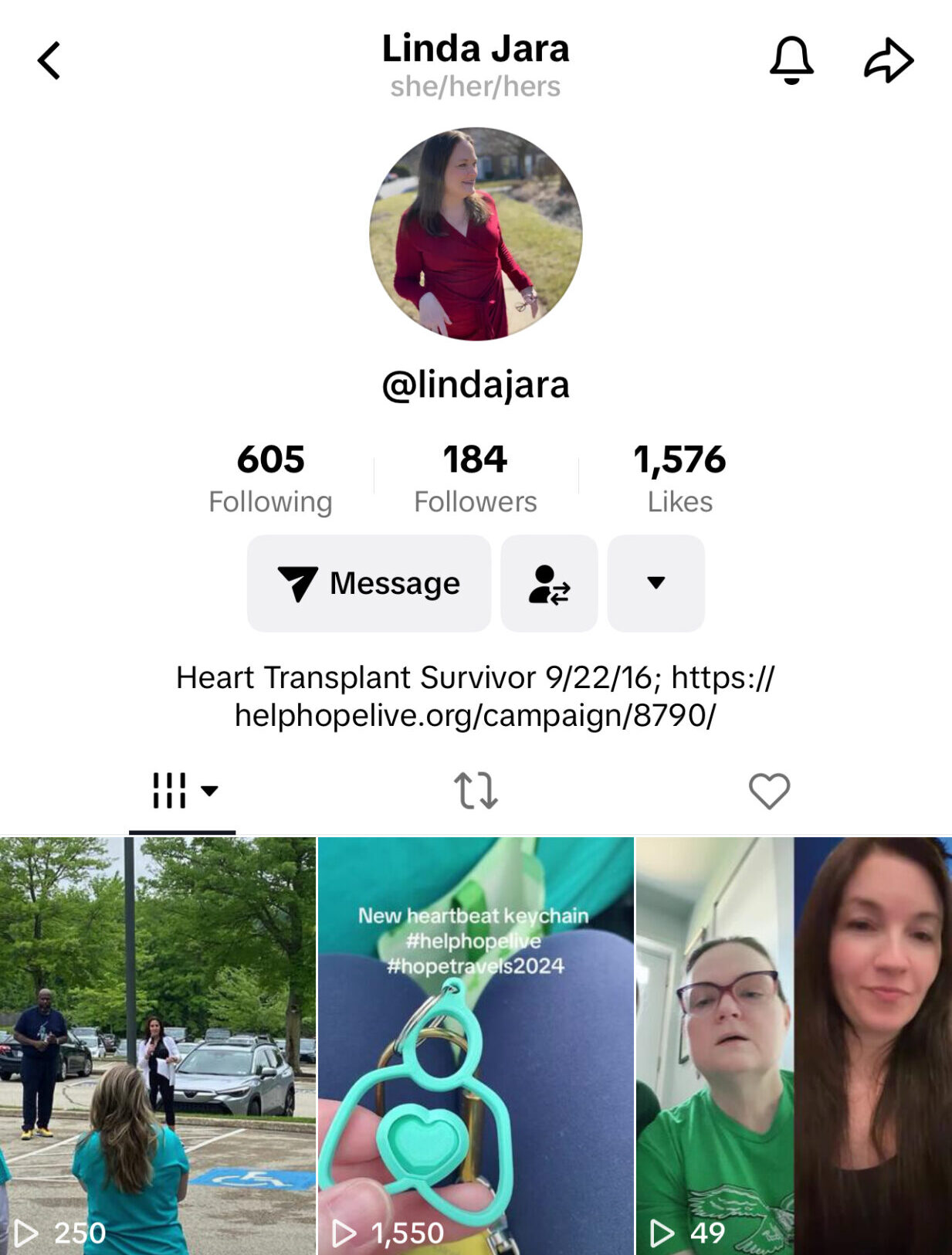
In your TikTok bio, explain a little about yourself that you’d like users to know. You can include info on your diagnosis if you’d like it to be a part of your TikTok bio for users to see.
There is a short 80-character limit on TikTok bios. So keep it brief!
Here’s an example:
Dad, advocate, warrior. Raising awareness about SCI, today and every day.
Step 2: Connect Your Other Accounts
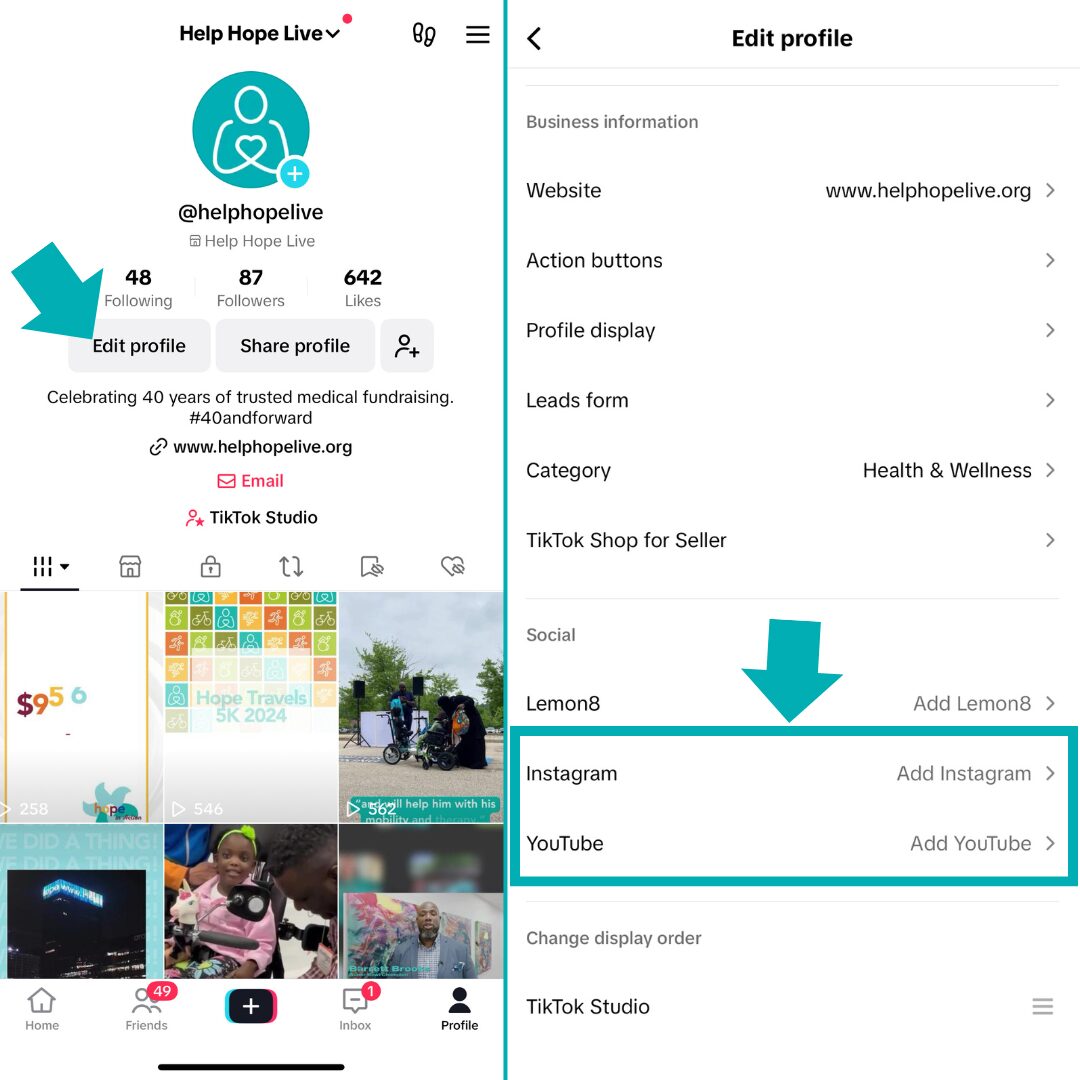
If you use Instagram or YouTube to share fundraising-related posts, you can add links to each of these platforms to your TikTok account.
These links will make it easier for your TikTok audience to find more content about your campaign and go directly to your Campaign Page to donate.
Click here for fundraising tips for Instagram, including how to add your Campaign Page link to your Instagram bio.
Step 3: Share Your First Post
Creating your first video for TikTok? Click here for video fundraising tips and ideas!
Once you know what you’d like your first video on TikTok to be, follow the steps below to create and share your post on TikTok.
1. Open the TikTok App on your phone or tablet device.
2. Tap the “+” icon:
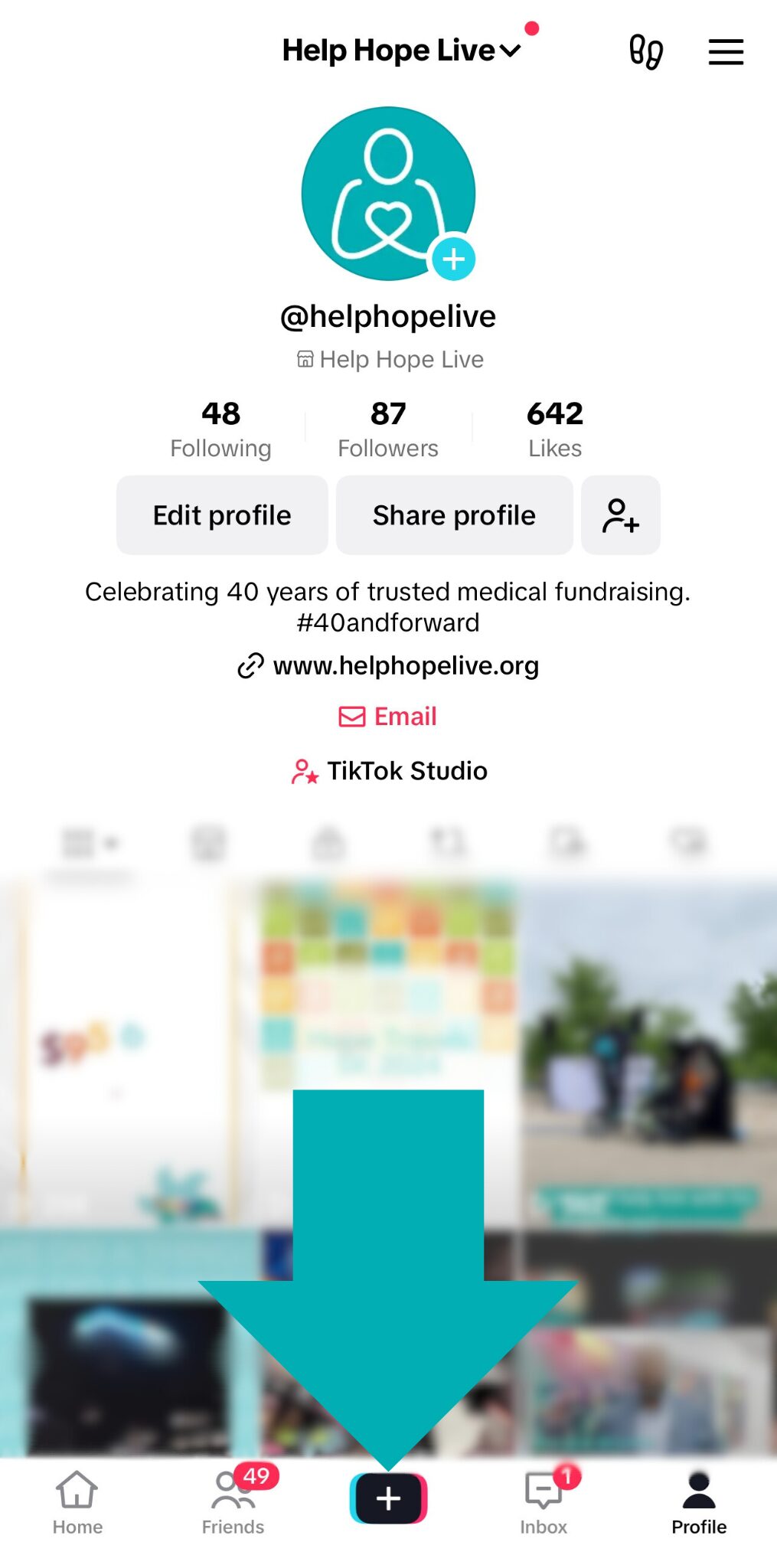
3. Record or upload your video:
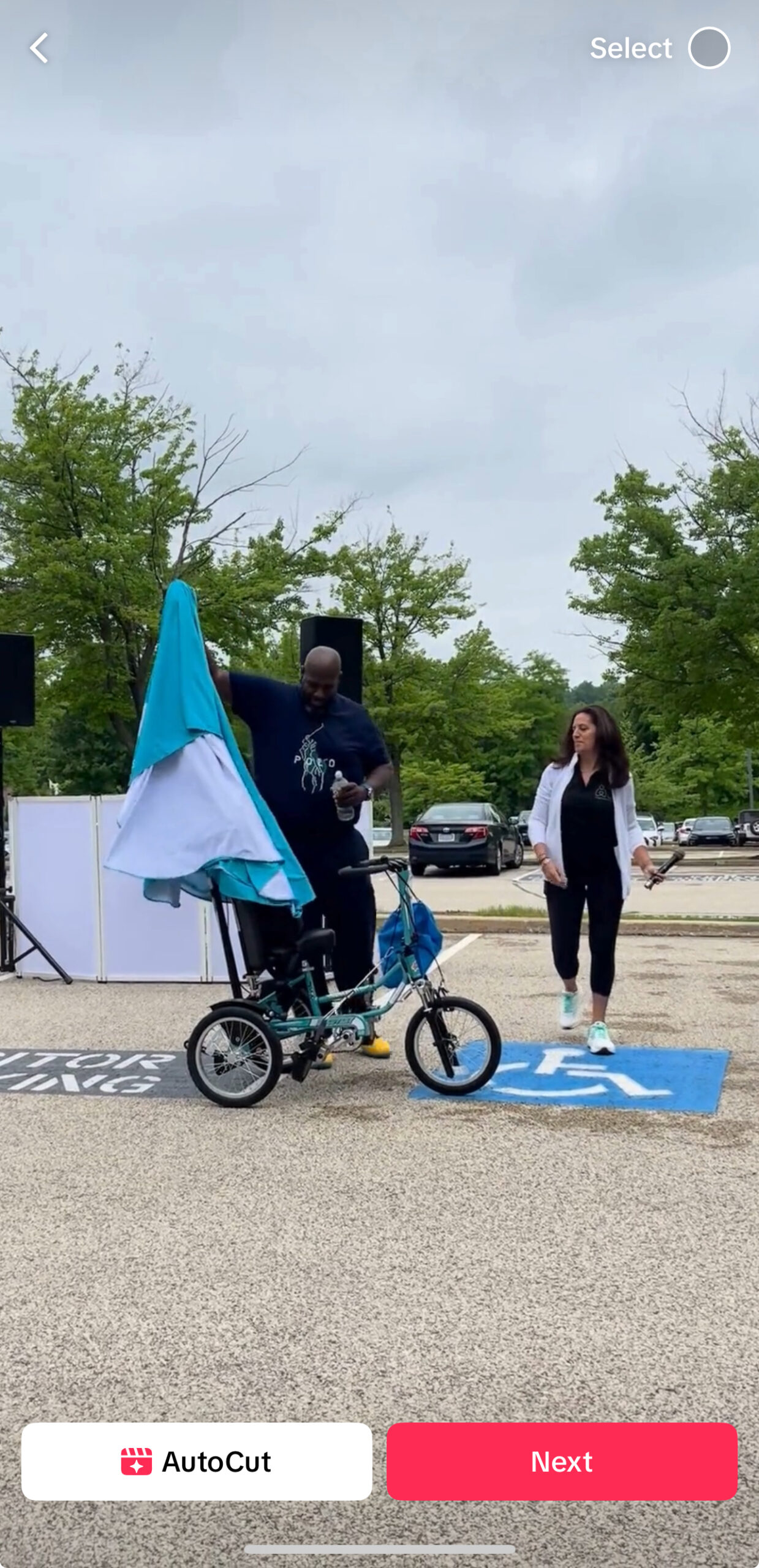
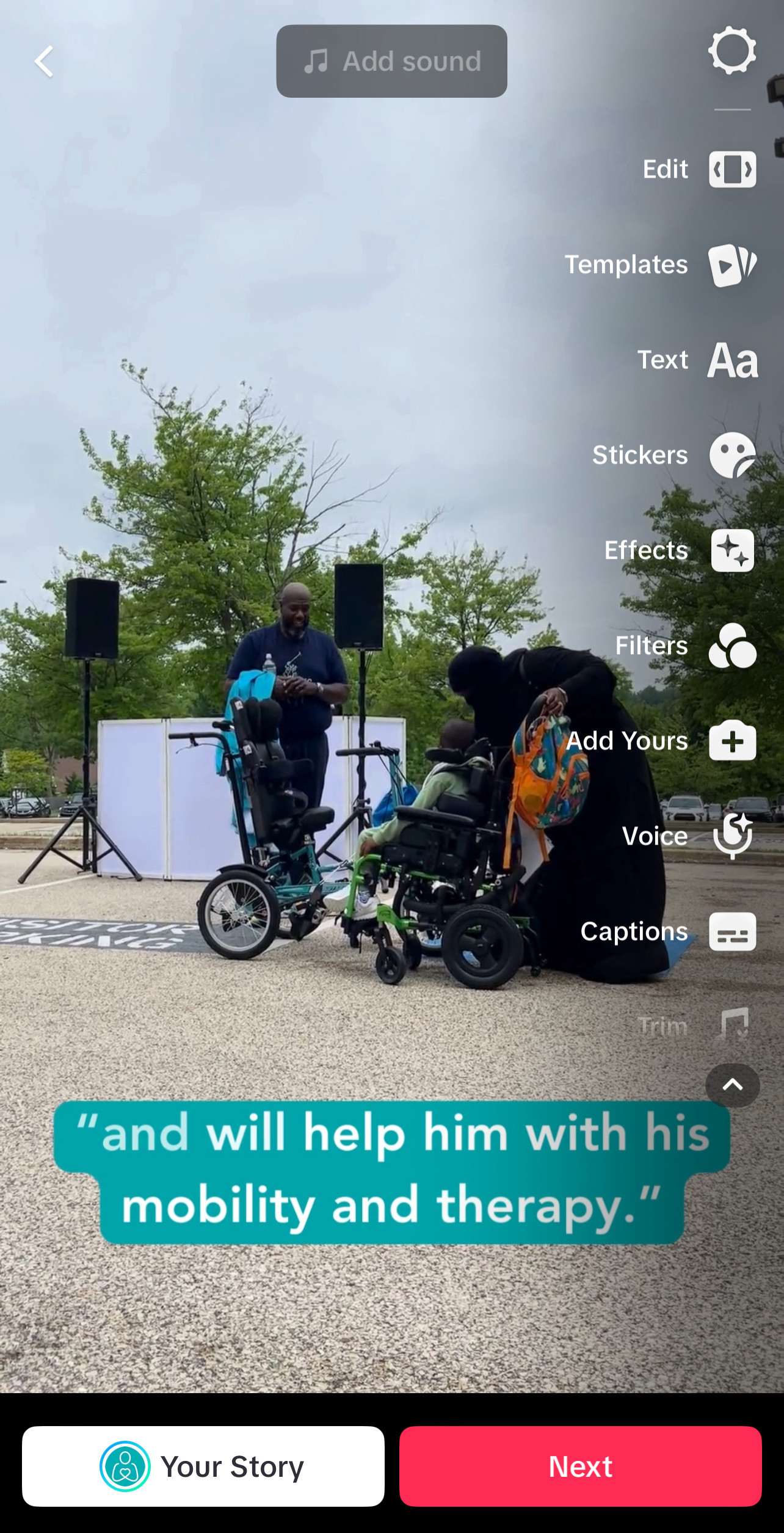
4. Edit your video – you can trim, split up and delete parts of your video, adjust the speed, and more using the options on the righthand side:
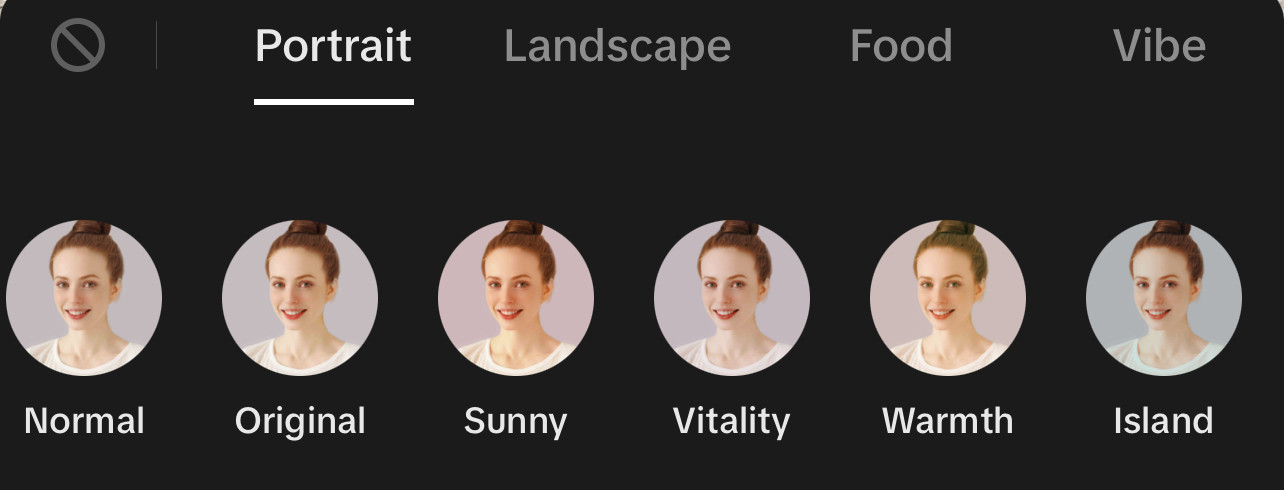
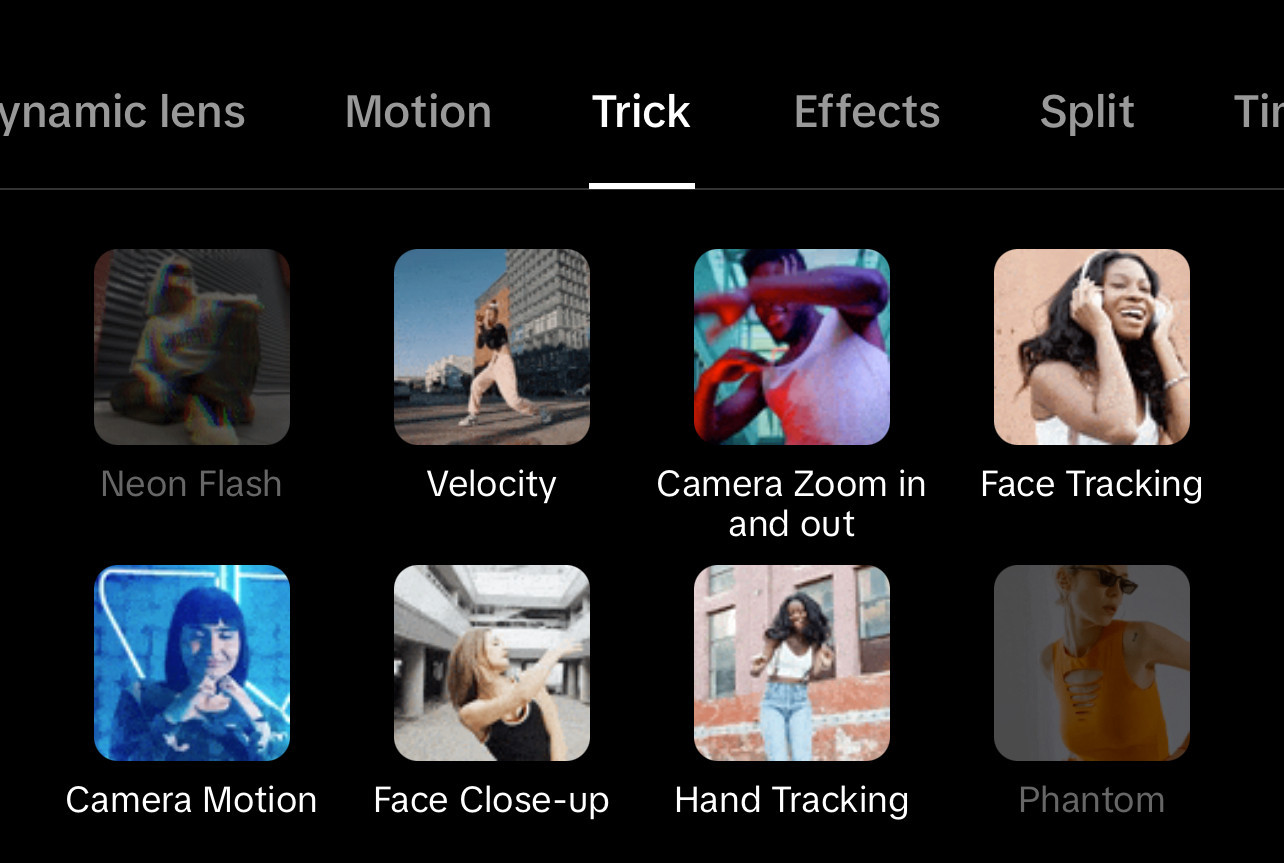
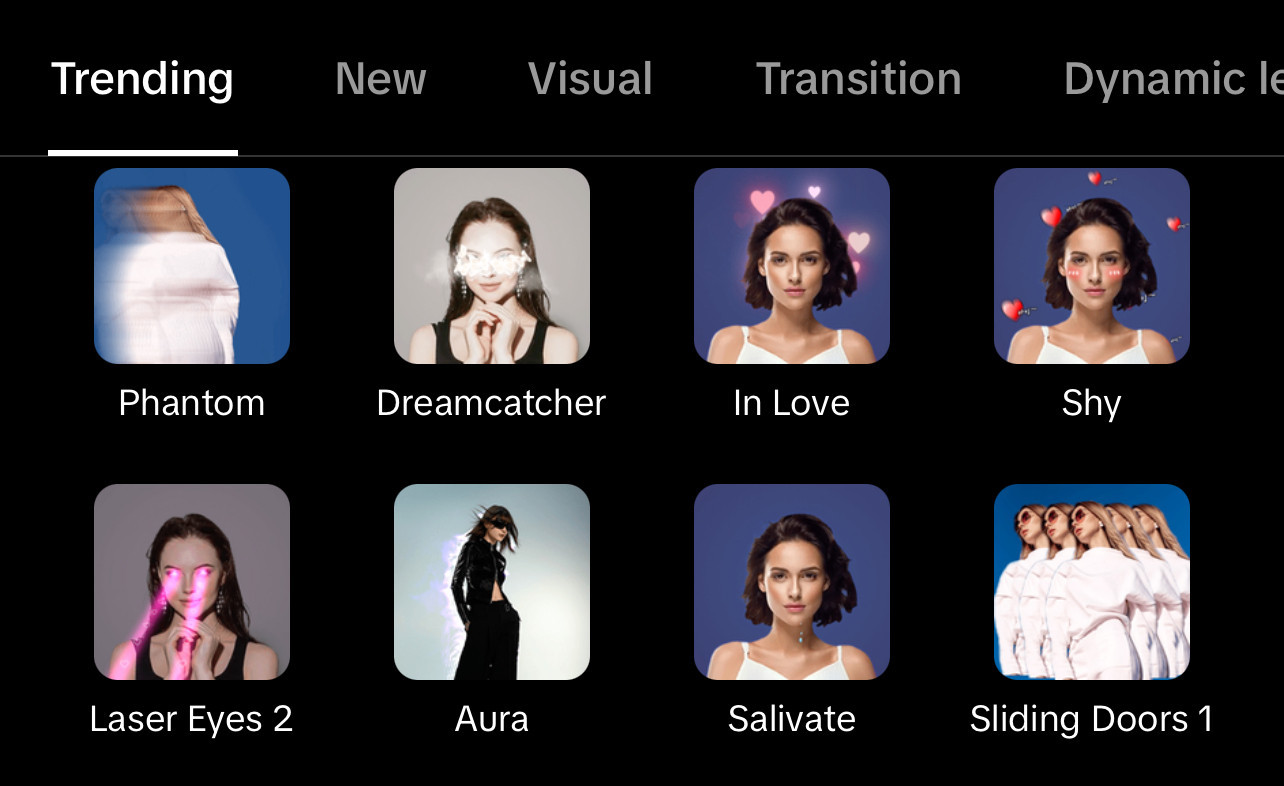
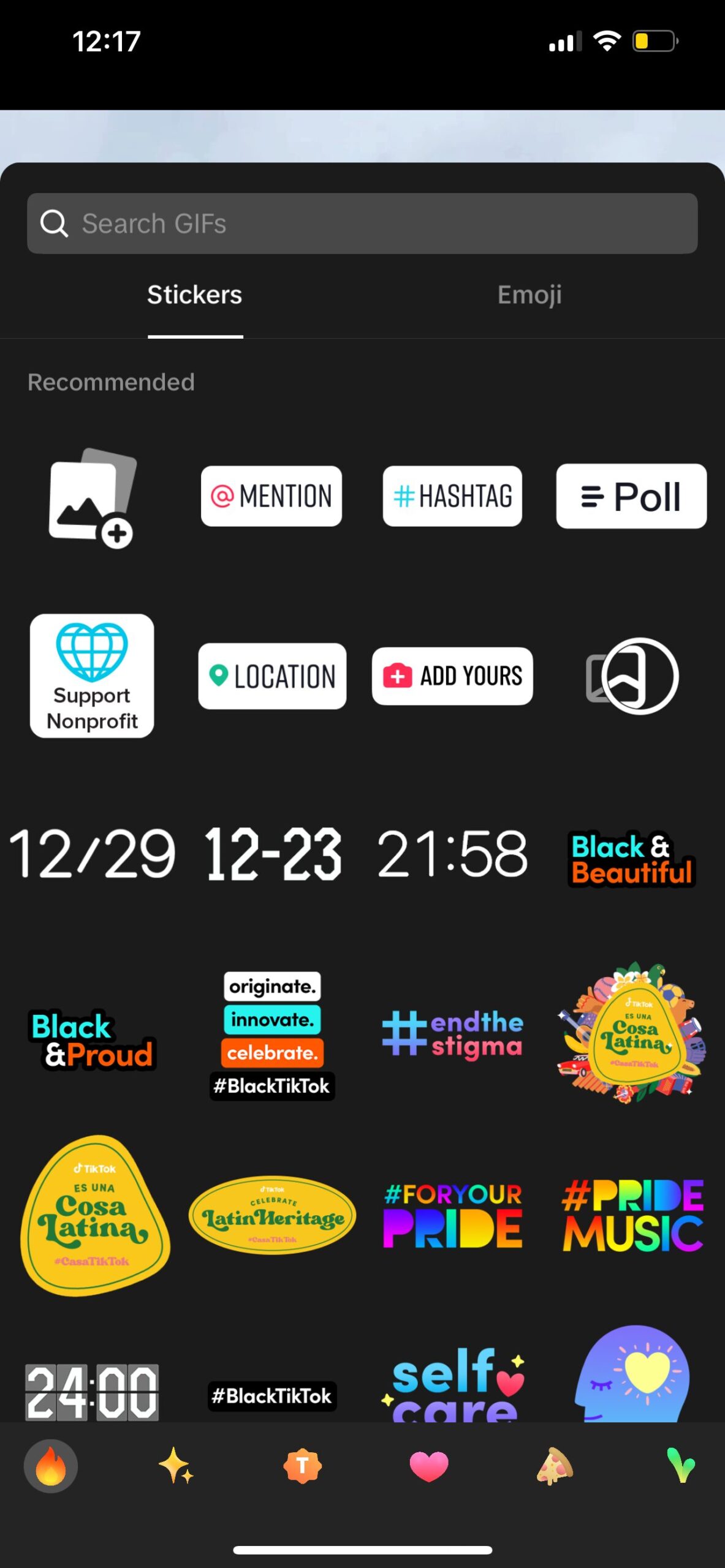
5. Add filters, effects, and other extras (optional):
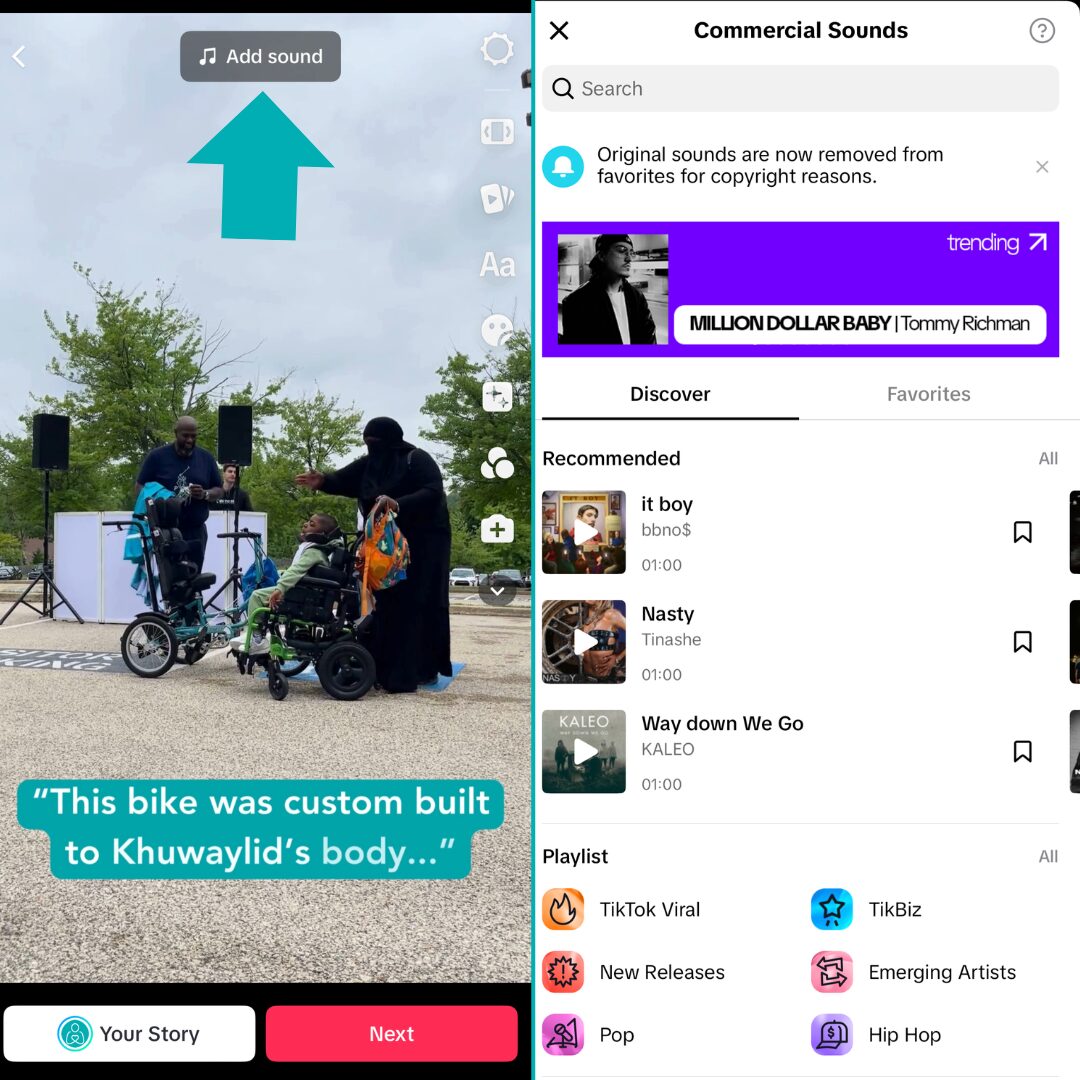
6. Add music and sound effects or a voiceover (optional):
7. Add text, especially if some text will make your video content easier to understand
8. Add captions and hashtags (and scroll down for tips on this part):

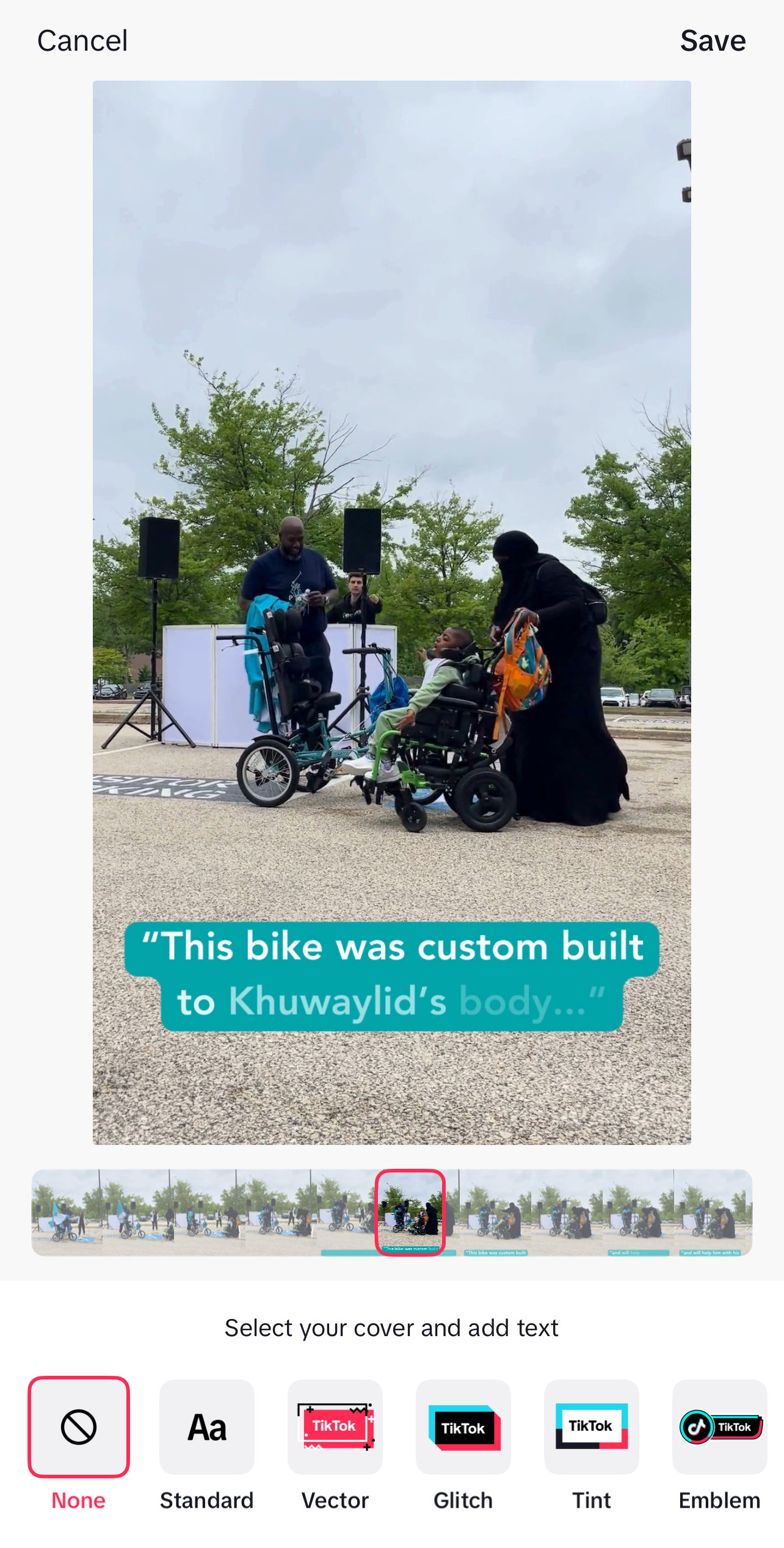
9. Choose a thumbnail, or a portion of your video to show as a preview:
10. Choose privacy settings.
11. Preview your video.
12. Post your video!
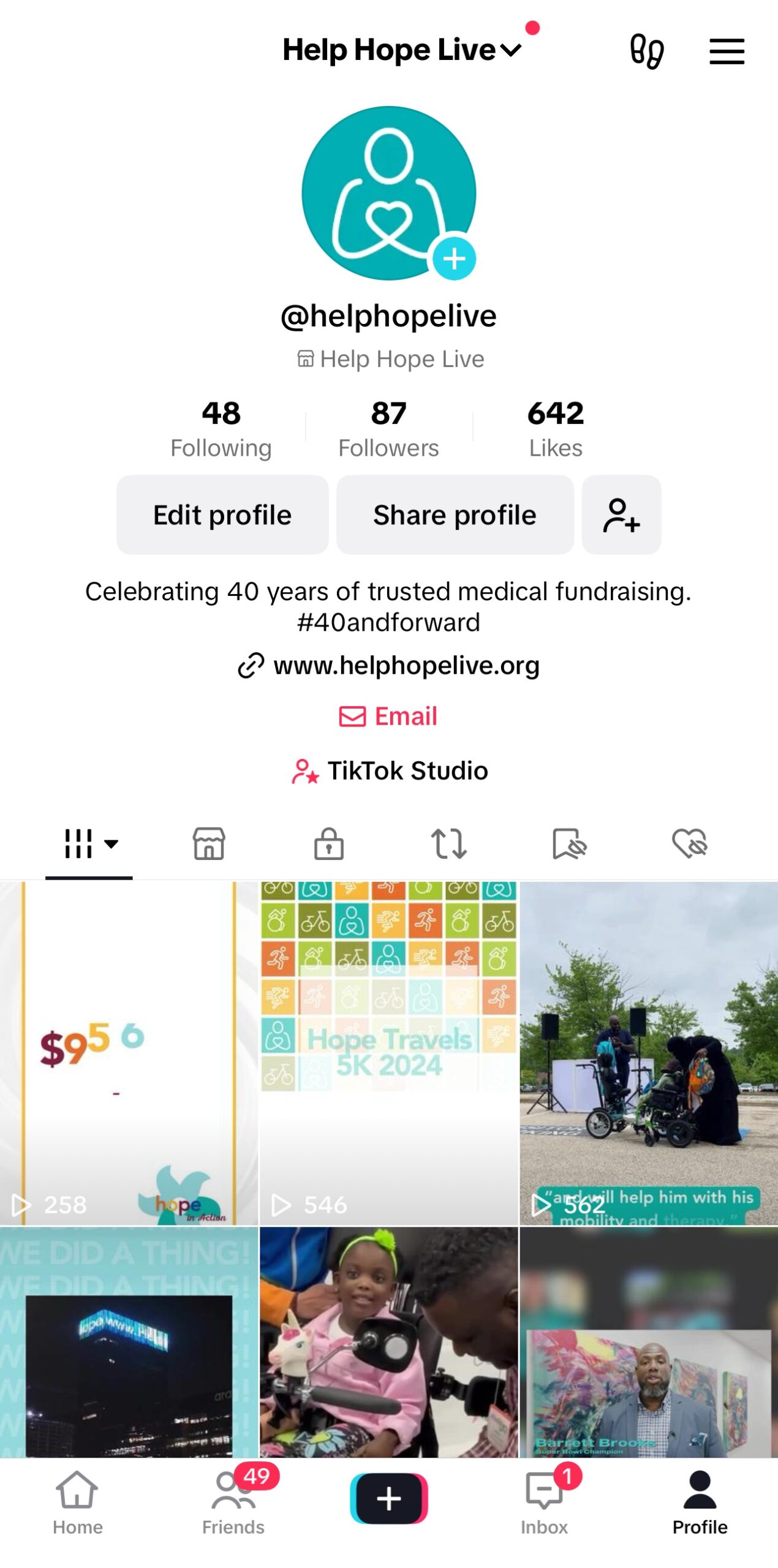
You’ll be able to see all the videos you’ve uploaded from your TikTok profile:

Tips for TikTok Captions
You can add a unique caption for each of your videos on TikTok. Here are a few tips.
Keep your captions short and clear.
You can use up to 2,200 characters to write your TikTok captions.
You can make your caption as long or as short as you want to get your message across. Just keep it clear and concise.
Add Help Hope Live Campaign Page info to relevant captions.
If you’re sharing a fundraising-related video, you can add instructions on how users can donate in your honor at helphopelive.org.
You can’t add a link to captions on TikTok, so instead, add instructions on how users can find your Campaign Page.
Here’s an example:
Donate to Help Hope Live to help me bring key medical equipment like this within reach! Go to helphopelive.org and search for Edward Testa [replace with your full name] in the Find a Campaign box.
Keep in mind that these instructions require giving users your full name. If you’re not comfortable doing that, skip this step.
You can also include alternate instructions for how users can learn more about your fundraising efforts. Here’s an example:
Want to help me fundraise or donate in my honor? DM me for info about my Help Hope Live medical fundraising campaign.
Tag us in your caption!
You can tag the Help Hope Live TikTok account using @helphopelive in your caption.
Tag us in the fundraising content you post on TikTok so we can interact with your video!

Tips for TikTok Hashtags
Hashtags are important on TikTok: they help non-followers find your videos. Here are a few tips for choosing hashtags to add to your captions.
Keep hashtags relevant.
Use hashtags that closely match the content, theme, or topic of each video.
The more accurate your hashtags are, the more likely it is that users who find your video will be interested and engaged since they’re looking for similar content already.
Choose 3-5 hashtags per video.
Stick to 3-5 relevant hashtags for each video you post. Posting a few relevant hashtags is more effective than a long list of less-relevant hashtags.
Use trending hashtags as inspiration.
Before you create your next video, see which hashtags are trending on TikTok.
Trending hashtags are already gaining popularity, so they’re a great way to get relevant content you post in front of new people.
Use the “Discover Page” to see popular content on TikTok. You can see trending hashtags, challenges, and a wide range of videos that might inspire your next post.
Add Help Hope Live hashtags.
Our client community uses a few hashtags regularly to help showcase fundraising efforts in content on TikTok and other platforms.
Choose a few of our hashtags to add to your next video:
#helphopelive
#WhyWeFundraise
#hopeis
#forcedtofundraise

Tips for Creating Stellar TikTok Videos
In addition to our video fundraising tips here, we have a few tried-and-true tips for improving your content on TikTok.
Tip 1: Keep It Clear and Short
All your videos should have two things in common: they should be clear, and they should be concise.
Watch your own videos before you share them to make sure they are easy to watch and as clear as possible.
Keep your videos short and to the point—while your video length may vary, make sure you’re practicing what you want to say and how before you record so you can share your key ideas in a short timeframe.
Tip 2: Be Precise
When you’re posting fundraising content on TikTok, make sure you have a clear message and you know what you want to say and who you’re talking to.
Instead of speaking to the whole world, speak to a specific audience—maybe that’s people who know you personally, people who are interested in your medical journey, or people who may have misconceptions about your diagnosis.
Have a clear idea of your audience.
Make your content precise with clear points to share in each video.
Tip 3: Use Sounds and Effects
TikTok will allow you to choose from popular songs and sounds as you edit your video. Try out a few trending sounds or effects that match the vibe of your video and message.
Using trending songs and sounds will help your video to reach more people.
Tip 4: Experiment—and Have Fun!
TikTok is all about experimentation.
Don’t be afraid to switch up your style and make videos that are outside of your normal approach.
Keep an eye on which video styles are the most popular and most viewed, and use what you find to tailor your strategy for future TikTok posts.
Tip 5: Try Our Video Ideas!
Our video fundraising tip post includes more video tips plus 10 creative ideas to help you come up with your next TikTok video:

How Often You Should Post on TikTok
Here are a few tips for deciding how often you should share fundraising content on TikTok.
Post consistently.
How often you post will depend on your available time and interest, but to keep your audience on TikTok engaged, maintain a consistent schedule.
That could mean posting every day, once a week, or once every other week. Once you start posting, try to stick to a consistent schedule.
Try posting at different times on different days.
TikTok success is all about experimenting and analyzing the results—as is the case for most fundraising efforts!
Try posting a similar video at different times of day or on different days of the week.
Do you see a big boost in views in the morning or evening? Do you get more activity on your videos on the weekends or during the week?
Have fun testing out your TikTok strategy and make adjustments as you go along.
Get Personalized TikTok Tips
If you’d like a few additional tips for improving your TikTok fundraising strategy, get in touch with your Client Services Coordinator.
We’d love to offer a few personalized tips for improving your TikTok fundraising plan.